
 Environmental Protection311Search all NYC.gov websites

Submit a Meter Reading

Customers with properties that meet the following criteria can submit meter readings to DEP:
- The property is a 1–3 family home
- The property has only one meter
- The property does not have active Attributed Consumption Charges, Denial of Access, or Billing Interference conditions
How to Submit a Meter Reading
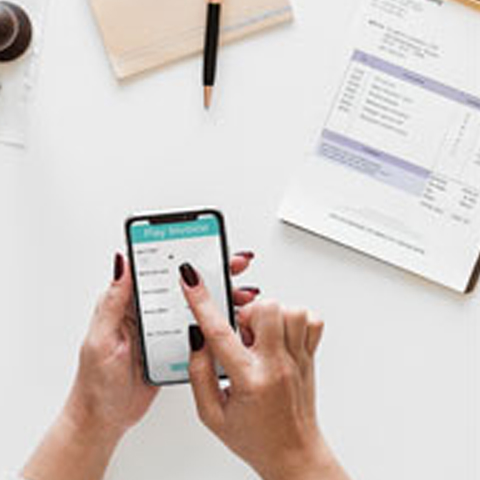
To submit a meter reading, call (718) 595-7000 up to seven calendar days before your next bill date. Readings must be submitted before the bill date to be applied. Please have your account number and meter reading available when you call. If you would like to submit a meter reading but do not know your next bill date, please call for assistance.
How to Read Your Water Meter
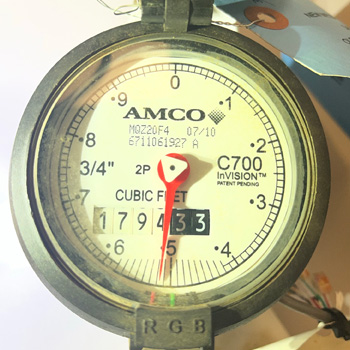
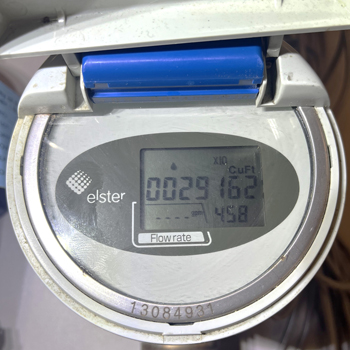
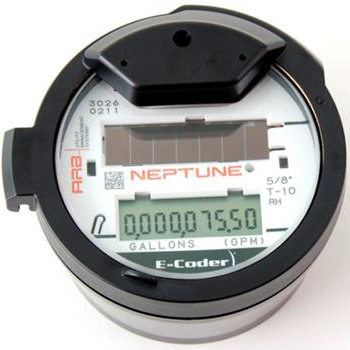
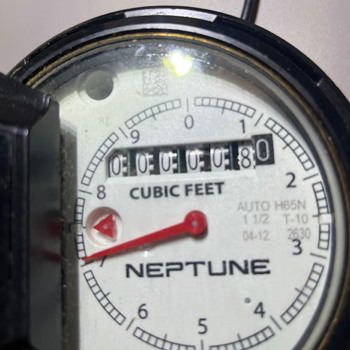
A meter’s ‘register’ reads much like a car’s odometer and has either an analog or digital display.
To read the meter, first find the register, which will show at least 6 digits. Read the meter from left to right, including any leading zeros.
Digital meters may have additional numbers to measure flow speeds. These can be useful in detecting leaks or confirming the meter is functional, but you do not need to provide this information when you call in a meter read.
Examples
Water and Wastewater Billing FAQs
NYC properties that receive service from DEP are billed in the form of water and wastewater bills.

Water Meter FAQs
Water meters are installed on a property’s water supply line close to where it enters the building.
DEP Financial Assistance Programs
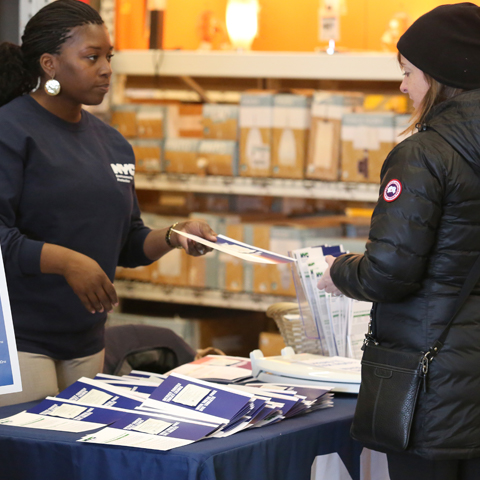
Learn about DEP’s financial assistance programs to see if your account qualifies.
Beware of Utility Scams
All DEP field employees travel in a marked vehicle, wear uniforms and carry ID cards.